In this article
Run two Claude Code sessions on the same project and it usually goes well for a while. Then one of them rewrites a file the other has just finished, and neither of them notices. The app still builds. The tests that exist still pass. A feature is simply gone, and you find out days later.
That is the trap with parallel agents: nothing crashes. Each agent is confident, each one reports success, and each one is working from a picture of the project that stopped being true the moment the other one saved a file.
This article is a setup that works the same whether you run two agents or ten, and none of it is specific to one tool.
Why parallel agents collide#
An agent works in a loop: it reads the files it thinks it needs, makes a plan, and then writes its changes. The reading and the writing can be minutes apart. If a second agent saves the same file in between, the first one has no way to know. It writes the version it built from what it read, and that version doesn't contain the other agent's work.
People who share a codebase solve this with branches and reviews, and they still step on each other. Agents make it worse in two ways. They are fast, so they touch more files in a minute than you would in an hour, which leaves a wide window for an overlap. And they don't talk to each other, so there is no moment where one says "hang on, I'm in that file."
You can't fix this by asking the agents to be careful. You fix it by arranging the work so the overlap can't happen.
One task, one agent, one copy#
Every fix comes back to the same three rules. Give each agent a task with clear edges. Give it a copy of the project nobody else is editing. Bring its work back only once its checks pass. Drop any one of them and the collisions come back.
Clear edges keep two tasks from needing the same file. A separate copy means that even if they do, neither agent can overwrite the other while it works. And checking each task as it comes back means a bad merge is caught before the next task builds on top of it.
Give each agent its own copy#
Git already has the right tool for the copy, and most people haven't used it. A worktree is a second folder for the same project, on its own branch, sharing the same history. You make one with git worktree add ../login -b login, start the agent inside it, and it can edit anything without touching the folder another agent is working in.
Worktrees are cheap. They share Git's storage, so a new one takes seconds, and deleting it when the task lands leaves nothing behind. Keep one per task, named after the task, so you can tell at a glance which agent is in which folder.
Land one at a time#
The copies have to come back together at some point, and this is where the order matters. When a task is done, it joins the main project like this:
- Bring the task's branch up to date with whatever has landed since it started.
- Run the checks on that combined version, not on the task's old starting point.
- Only if they pass, move main forward to it. Then the next task does the same.
Doing it one at a time feels slower, and it isn't. Each task is checked against the real current state of the project, so a problem shows up next to the task that caused it, instead of three merges later when nobody remembers which change did what.
Write down what a task won't touch#
The rule people skip is the first one. Agents are happy to start without a clear boundary, and a vague task is exactly how two of them end up in the same file. "Improve the login" will wander into settings, the session code and the navigation bar, because all of those are related to logging in.
So every task should name four things: what changes, where, what proves it worked, and what it must not touch. The last one does the most work. It tells the agent where to stop, and it tells you which tasks can safely run at the same time: two tasks can run together when neither one's files are on the other's list.
Where Ishoo fits#
You can do all of this by hand with Git and a text file, and for two agents that's fine. Past that, the bookkeeping is the hard part: who has which task, which copy belongs to which agent, what has landed and what is waiting.
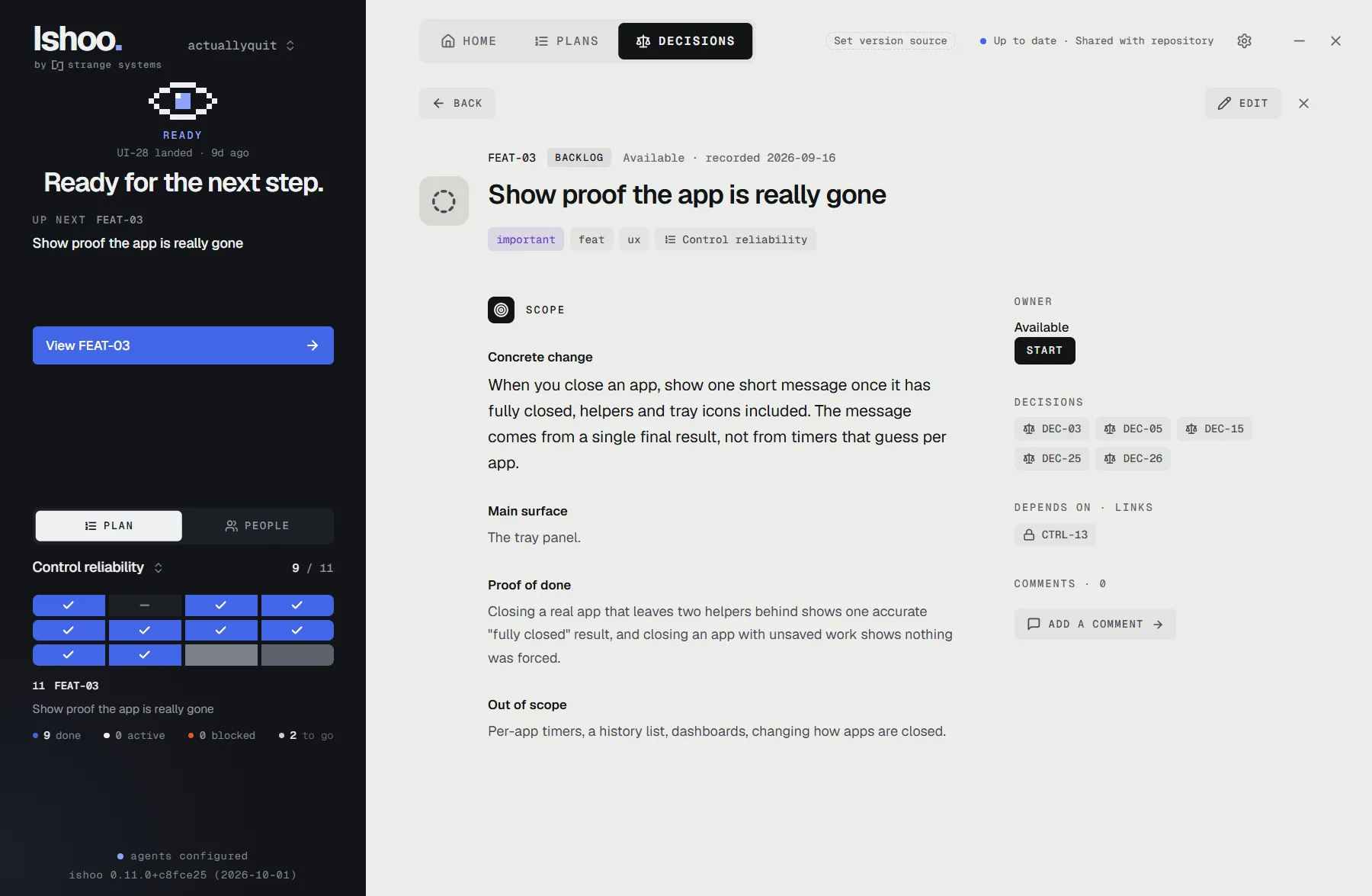
Ishoo keeps that record for you. Your agent files the tasks from your conversation, checks one out before it starts so no other agent can take it, works in its own copy, and runs your project's quick check before it lands. Your full test suite runs overnight, and if something broke, Ishoo names the landing that did it and has the next agent fix it first. See Plans for how the tasks are grouped.